
Nutrinaut: AI insights from wearables and daily logs

Plan With Better Context

Useful without installing the app

Bring a question. Leave with a check you can use.

Work through a wearable export, a recipe or a food label. These free browser tools show the arithmetic, keep missing information visible and give you a practical result. No Nutrinaut account is required.

Make sense of your own CSV

Map your file’s columns, check timestamps and durations, and inspect rows that need attention. Your CSV stays in your browser; the report identifies checks, not a diagnosis.

Open Data Forensics Lab →

Take a recipe through to shopping

Keep ingredient amounts, finished yield and eaten portions together. Build a weekly list or audit one recipe, then save your worksheet or print the result.

Open Recipe & Grocery →

Check the portion behind a label

Scale the values to what you ate. Keep US and EU/UK label systems, salt and sodium, and total and added sugars separate.

Open Nutrition Label Decoder →
Your logged data, in context

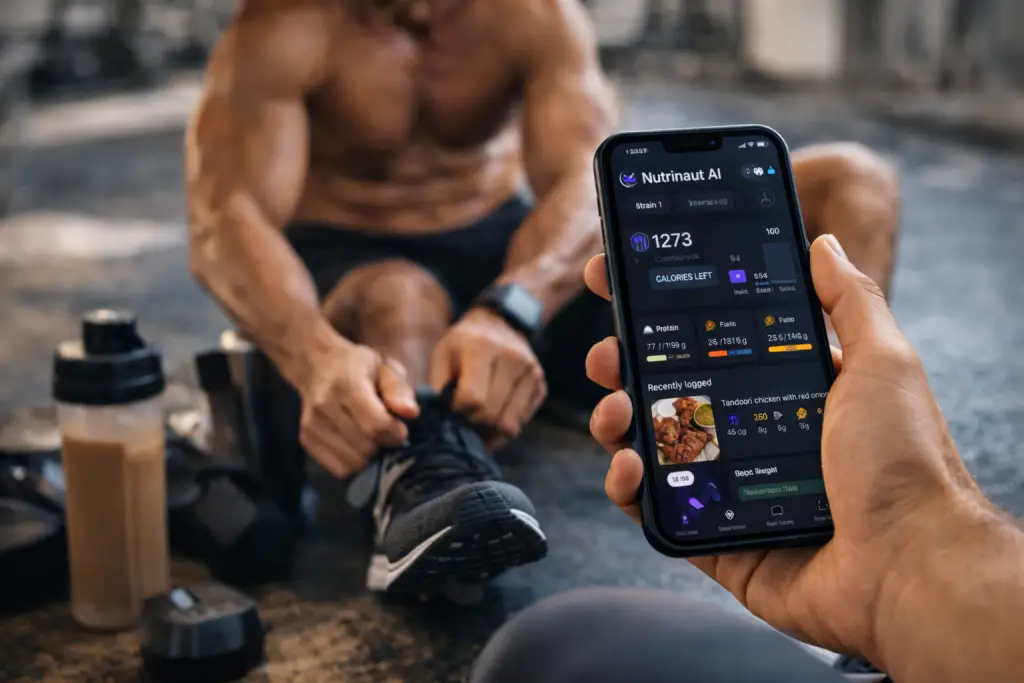
Nutrinaut combines available signals from compatible wearables and connected health platforms—such as heart rate, HRV, sleep, activity and training load—with food, workout and lifestyle tags. It turns them into clear trends and daily insights; it does not diagnose illness or guarantee readiness.

Focus on the inputs you can use

Nutrinaut brings food, activity and routine information into one place so you can review a simpler plan. Its calorie and macro outputs are estimates, not guarantees of endurance, strength or health outcomes.

Flexible food and workout logging

Log food and workouts by photo, voice or quick entry, and connect compatible activity data if you choose. Automated estimates and summaries are starting points to review and edit; they do not measure recovery or replace professional advice.

Guides and methodology

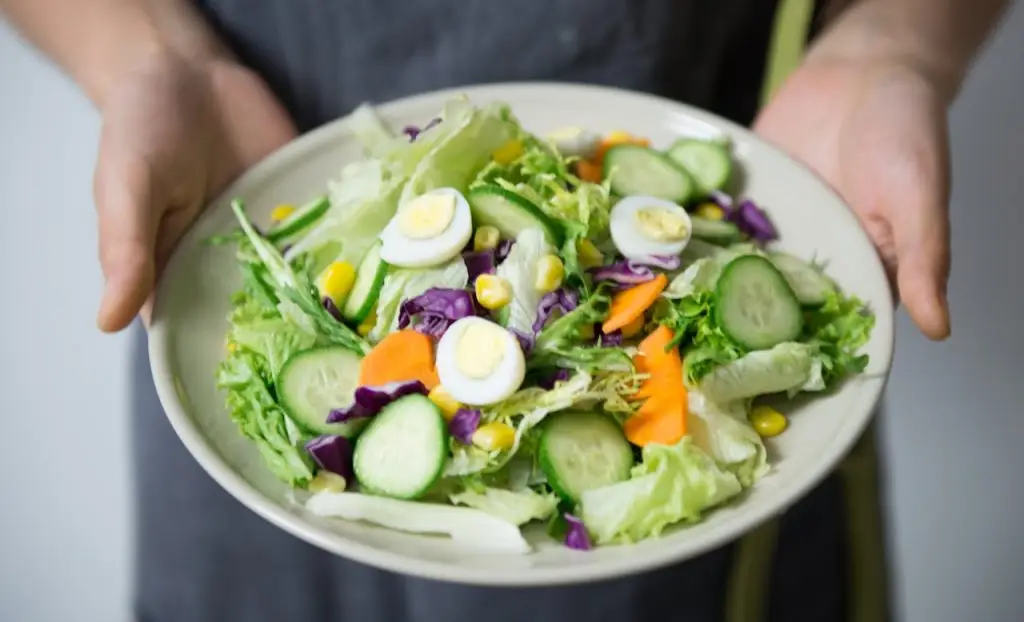
Person holding a plate of salad

What AI Meal Estimates Can—and Cannot—Tell You

A practical guide to checking meal-photo estimates, understanding uncertainty and using the result as an editable draft.

How to Read Recovery Signals Without a Readiness Verdict

Wearable and self-reported signals can add context, but no single score can diagnose recovery or determine today’s training.

pexels-photo-6823677-6823677.jpg

Estimate and Calibrate Maintenance Calories

See the equation, activity assumptions and a cautious 14-day comparison without turning a trend into an exact prescription.

pexels-photo-4016508-4016508.jpg

Protein Across Meals: A Worked Contribution Check

Compare a logged day using separate calorie and protein totals. Keep unknown values visible and check recipe portions before interpreting the chart.

pexels-photo-6740512-6740512.jpg

Fueling Before and After Training

Use session duration, intensity and turnaround time to choose a conservative food-first template.

pexels-photo-6740535-6740535.jpg

Compare Two Food Labels for the Portion You Eat

Put two fictional labels on the same eaten-mass basis, check the food state and leave missing added-sugar values unknown.

Caffeine, Sleep and Training Recovery

Audit labelled caffeine amounts and timing without predicting clearance, safety or sleep from a single number.

Grocery Planning for an Active Week

Turn servings, pantry stock, purchase increments and budget into an editable shopping list.

Transparent Tools for Everyday Decisions

Use focused calculators for energy, labels, training fuel, caffeine, sleep and grocery planning. Each result explains its assumptions and limits.

pexels-photo-6740535-6740535.jpg